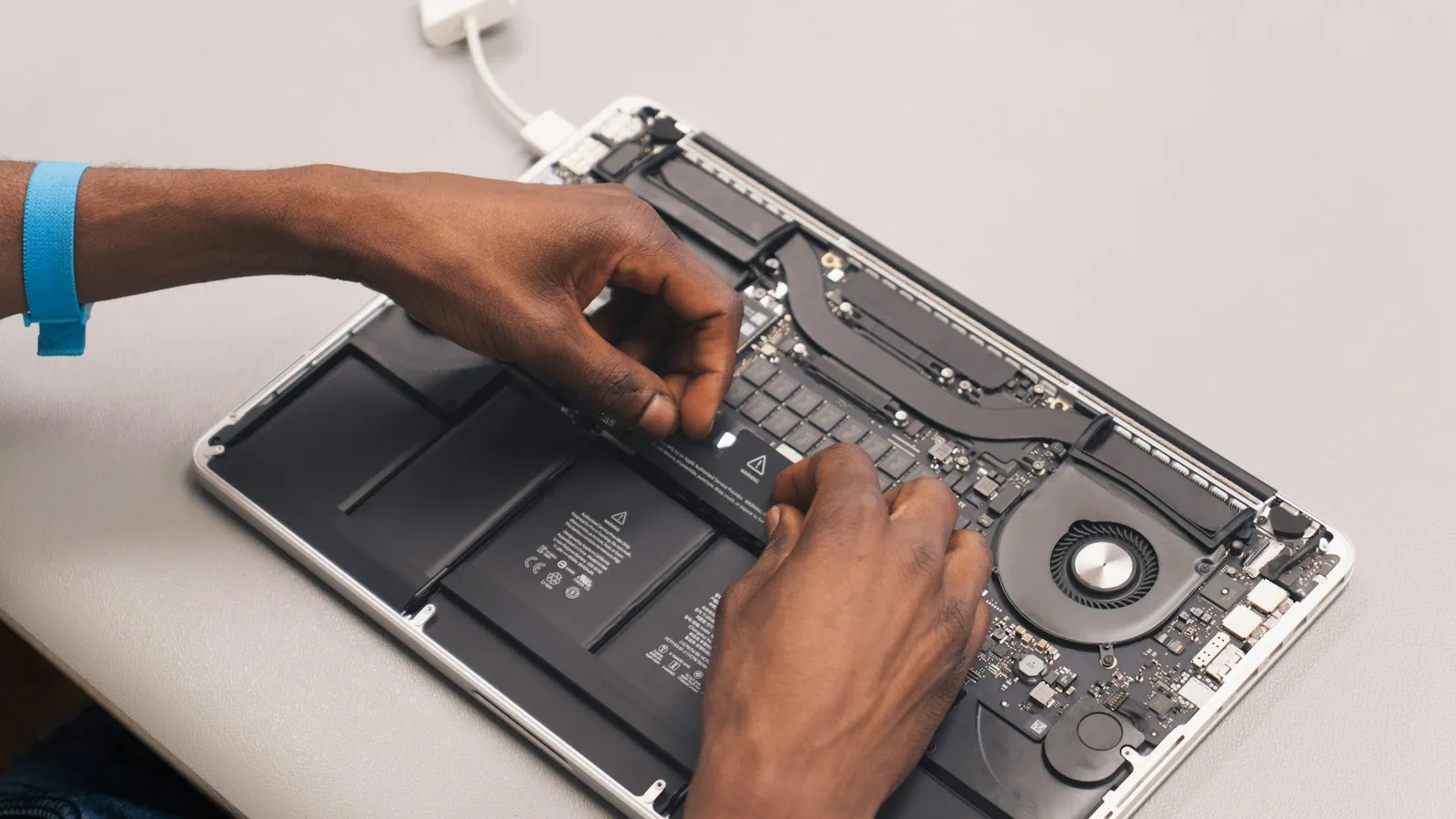
4 reasons your laptop overheats

Our team10 November 20261 min read
4 reasons your laptop overheats

Overheating reduces performance and shortens hardware life.

Common causes

  • Dusty fans and vents
  • Dried thermal paste
  • Using it on soft surfaces
  • Heavy background programs

What you can do

Use it on a hard, flat surface, keep vents clear and have it serviced yearly.

Home
Company All About UsGallery
Services All TV & Monitor RepairComputer & Laptop RepairPhone & Tablet RepairAudio System RepairSmall Home ElectronicsData Recovery & Setup
AreasOur WorkBlogContact 07700 900123 Get a Free Quote